
Range Value Translator
Convert a value from one numerical range into another.
What it does
Section titled “What it does”- Translates between any two ranges
For example, turn pixel values into the decimal percentages a media server expects. - Updates as you type
No calculator, no rounding mistakes.
How to use it
Section titled “How to use it”- Set the two ranges:
- Enter the start and end value of your source range and of your target range.
- Translate a value:
- Enter a value from the source range and read the result in the target range.
The screen explained
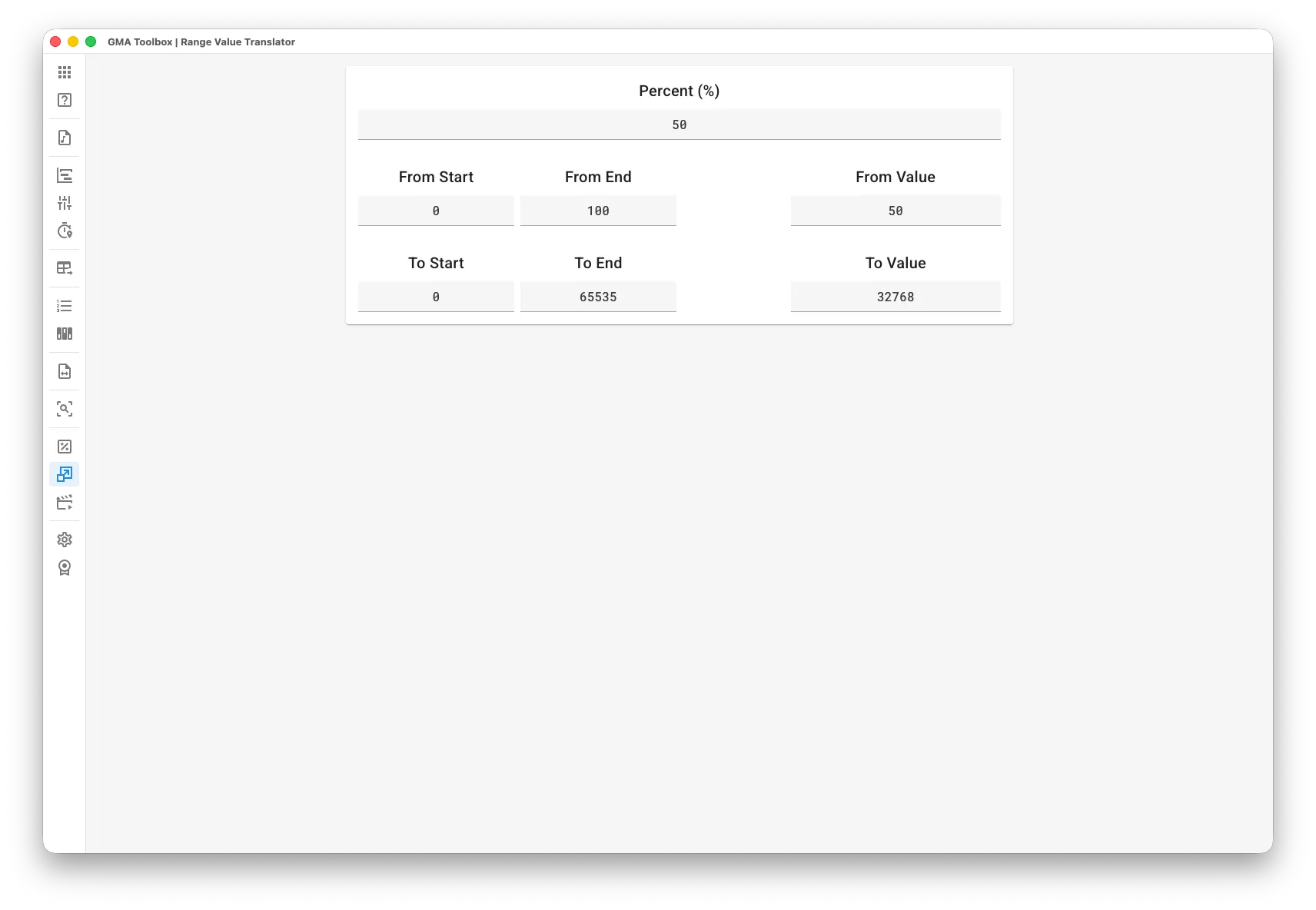
Section titled “The screen explained”Readout calculator
Section titled “Readout calculator”- Percentage: the value in percent.
- From Start / From End: the start and end of your source range.
- To Start / To End: the start and end of your target range.
- From Value: the value inside your source range.
- To Value: the value inside your target range.
Every other field updates while you type.