
Number Converter
Convert between percent, decimal and hexadecimal values in 8, 16 and 24 bit.
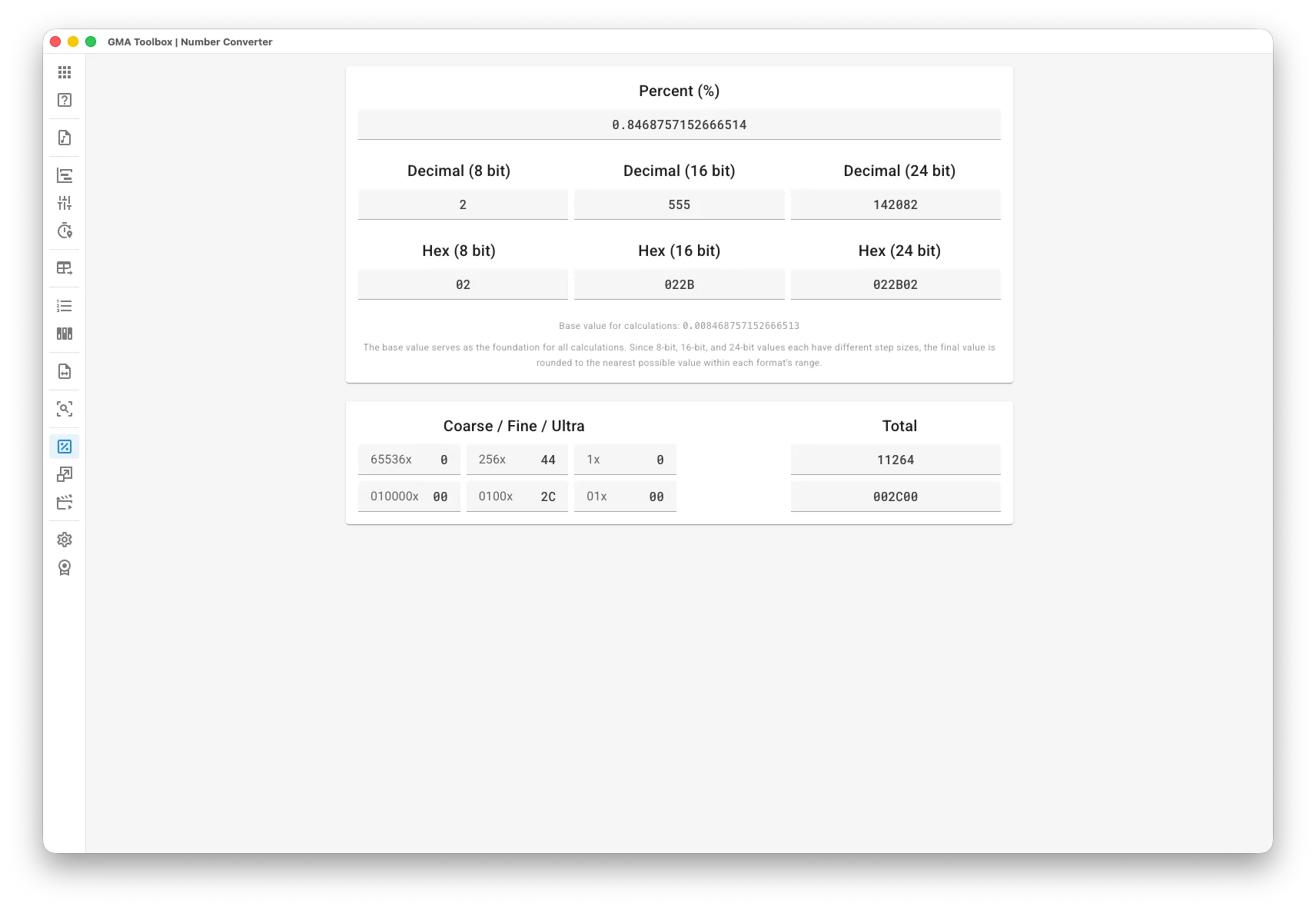
What it does
Section titled “What it does”- Converts between every readout format
Percent, decimal and hexadecimal, in 8, 16 and 24 bit. - Updates as you type
Type 65535 and read the hex value, or type a 24 bit value and read the percentage. No calculator, no mistakes.
How to use it
Section titled “How to use it”- Just type:
- Enter a value in any field. Every other field updates as you type.
How the conversion works
Section titled “How the conversion works”Every input value is converted to a percentage between 0 and 100 first, then into the other formats. Input ranges are 0–255 for 8 bit, 0–65535 for 16 bit and 0–16777215 for 24 bit.
8, 16 and 24 bit have different step sizes, so the result is rounded to the nearest value each format can hold.
This is why 8 bit “1” becomes 16 bit “257” and not “255”: 8 bit runs 0–255 and 16 bit runs 0–65535, so one 8 bit step is about 257 steps in 16 bit (65535 / 255).
The screen explained
Section titled “The screen explained”Readout calculator
Section titled “Readout calculator”- Percentage: the value in percent.
- Decimal (8, 16 and 24 bit): the value in decimal.
- Hex (8, 16 and 24 bit): the value in hexadecimal.
Value splitter
Section titled “Value splitter”- Coarse/Fine/Ultra: the split values, in percent and hexadecimal.
- Total: the total value, in percent and hexadecimal.
Every other field updates while you type.